Module · Finance
Exporting Invoices
Exporting Invoices
L'Exporting Invoicesis a handy feature of the invoice management module, allowing users to generate a file containing all saved invoice data. This option makes it easier to share information with other departments (such as accounting or management) or use it for external analysis, for example in third-party software or for audits.
Functioning
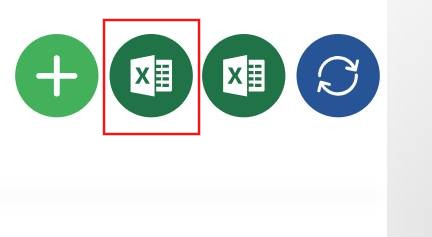
- Access:Click the export icon (Excel symbol) in the toolbar.
- Process:
- Data Selection:By default, the export includes all invoices visible in the current table. If a filter is applied (for example, for a specific period or customer), only filtered invoices will be exported.
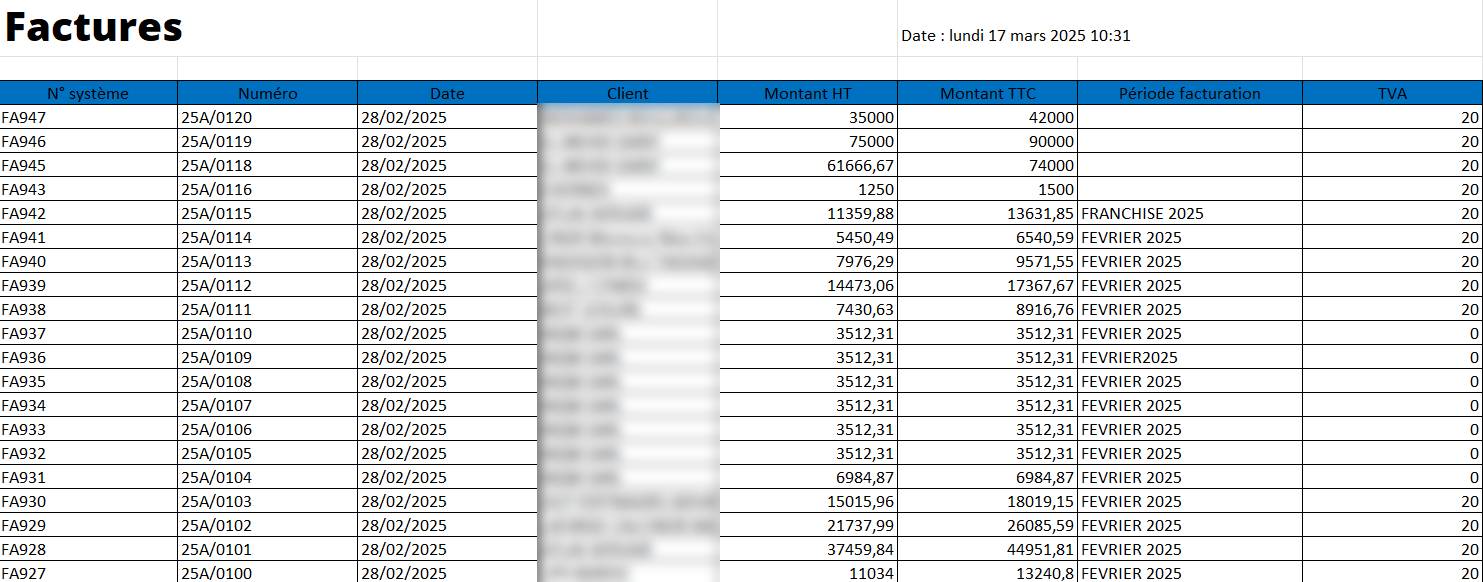
- Génération du Fichier :Le système compile les données du tableau (colonnes comme N° système, Numéro, Date, Client, Montant HT, TVA, Montant TTC, Période facturation, Statut, Utilisateur) dans un fichier au format Excel (.xlsx).
- Téléchargement :Une fois généré, le fichier est téléchargé automatiquement sur votre ordinateur, généralement dans le dossier de téléchargements par défaut, avec un nom prédéfini (par exemple, "Factures_Export_20250314.xlsx").
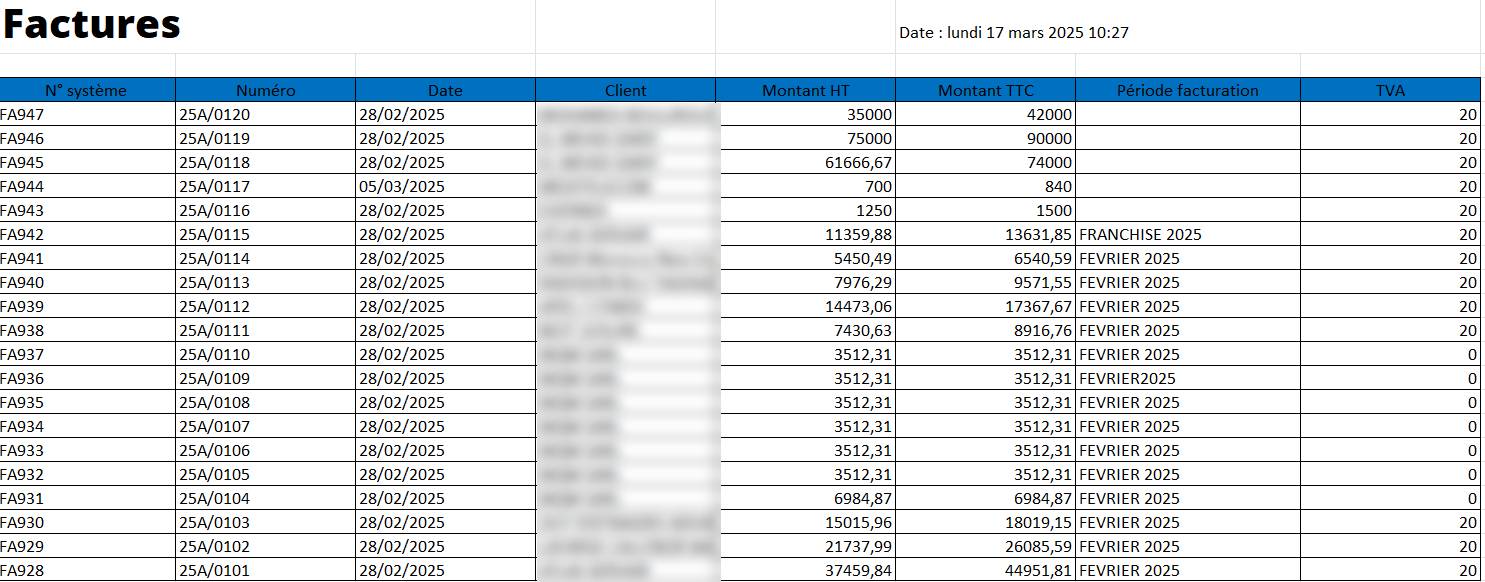
Résultat :L’utilisateur obtient un fichier exploitable contenant toutes les données des factures, prêt à être ouvert dans Microsoft Excel ou un autre logiciel compatible pour analyse ou partage.
Advantages and Usefulness
- Partage Facile :Allows data to be sent to other departments (accounting, finance, audit) without requiring direct access to the system.
- External Analysis:Makes it easy to use data in advanced analysis tools (Excel, Power BI) to create charts, reports or pivot tables.
- Sauvegarde :Offers a copy of data that can be archived or used as an offline backup.
- Personalization:When combined with the filter, the export can be limited to subsets of data (for example, all unpaid invoices from a customer).
Example of Use
To export unpaid invoices from February 2025:
- Click on the icon“Filtered”.
- InStart date, select "01/02/2025".
- InEnd date, select "02/28/2025".
- InStatus, select "Unpaid".
- Validate the filter to update the table.
- Click on the export icon (Excel).
- Result: An Excel file is downloaded, containing invoices like "FA941" (6,540.59 DH including tax) and "FA937" (3,512.31 DH including tax), ready to be analyzed or shared.