Module · Fleet
Création de véhicule
Création de véhicule
L'option d'ajout rapide permet de créer un nouveau véhicule dans le système en remplissant un formulaire simplifié, conçu pour faciliter l’enregistrement des informations de base nécessaires. Ce formulaire est divisé en plusieurs champs essentiels, chacun permettant de fournir des données spécifiques sur le véhicule.
Ces informations sont indispensables pour que le véhicule soit correctement enregistré dans le système et permettent un suivi efficace de la flotte. En remplissant ces champs, l'utilisateur garantit que chaque véhicule est enregistré avec les données nécessaires pour un suivi administratif et logistique optimal.
Ajout rapide d’un modèle non disponible
Si le modèle recherché n'apparaît pas dans la liste déroulante du blocModèledu formulaire d'ajout de véhicule, il est possible de l'ajouter facilement en cliquant sur le bouton+à côté du champ. Cette fonctionnalité permet d’éviter de naviguer jusqu’au référentiel pour compléter les données.
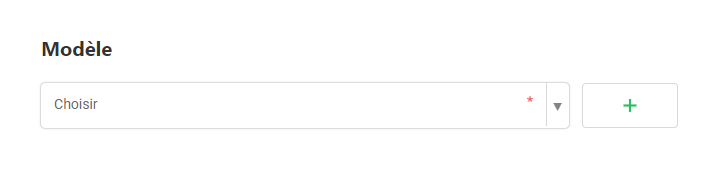
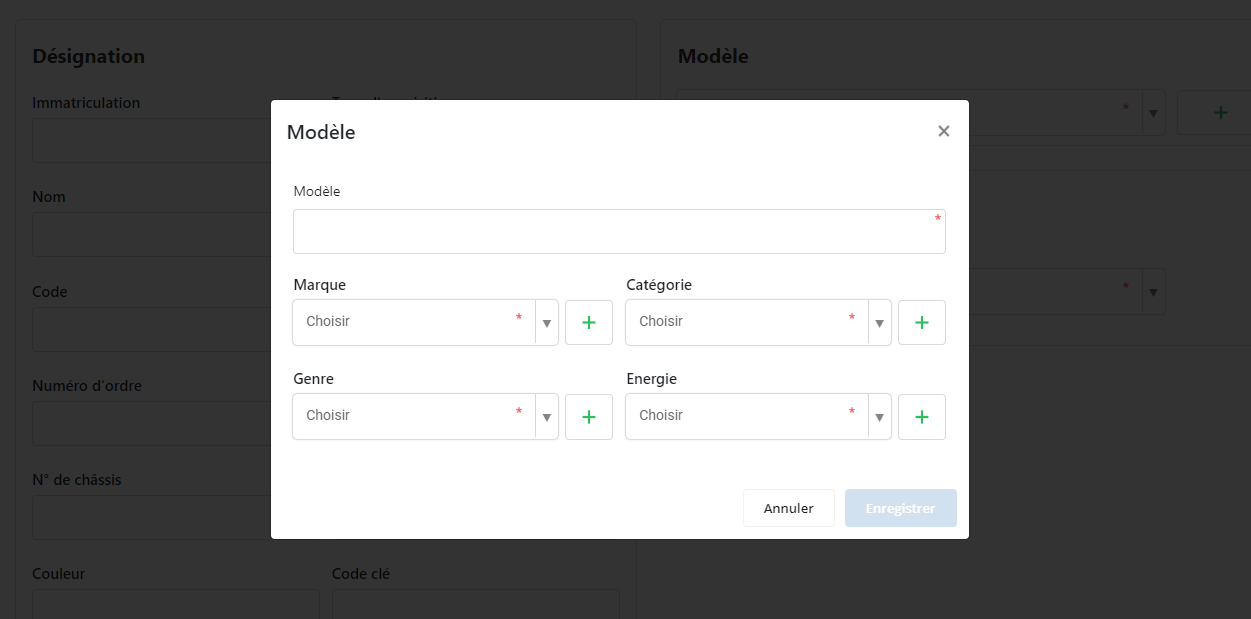
En cliquant sur le bouton+, une fenêtre contextuelle s'affiche avec les champs suivants à compléter pour l'ajout du modèle :
- Nom du modèle: nom exact du modèle du véhicule.
- Marque: marque du véhicule associée au modèle.
- Catégorie: catégorie du véhicule, comme berline, utilitaire, etc.
- Genre: type du véhicule, par exemple léger ou poids lourd.
- Énergie: type d’énergie utilisé, comme diesel, électrique, essence.
Pour faciliter davantage l’ajout de nouvelles entrées, un bouton+est également disponible en face de chaque champ (Marque, Catégorie, Genre, Énergie). Si une de ces informations n'est pas disponible dans le référentiel, il suffit de cliquer sur le bouton correspondant pour l’ajouter directement depuis le popup, sans quitter le formulaire.
Cette fonction d’ajout rapide garantit que toutes les informations nécessaires peuvent être intégrées immédiatement, améliorant l’efficacité de l’enregistrement des véhicules.
Ajout rapide d’un concessionnaire non disponible
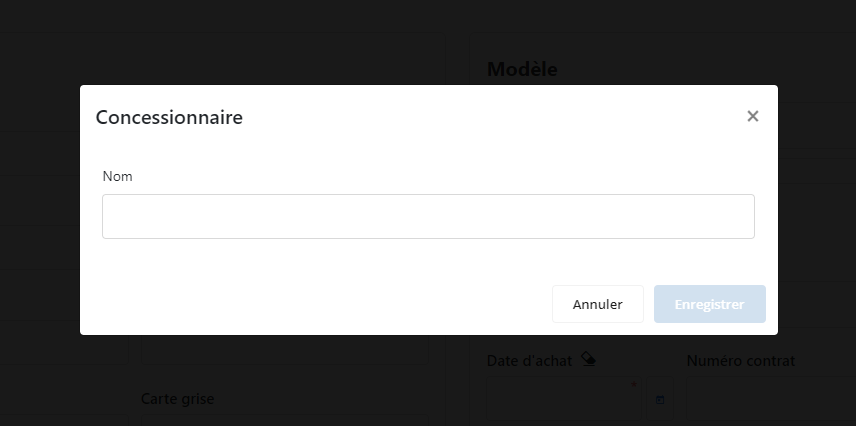
Si le concessionnaire recherché n'apparaît pas dans la liste déroulante du blocAcquisition Achat, il est possible de l’ajouter directement en cliquant sur le bouton+à côté du champ. Cette fonctionnalité permet de créer une nouvelle entrée sans devoir quitter le formulaire pour accéder au référentiel.

En cliquant sur le bouton+, une fenêtre contextuelle s'ouvre avec le champNom du concessionnaire, où vous pouvez ajouter le nom du concessionnaire souhaité.
Pour plus de flexibilité, un bouton+est également disponible à côté de chaque champ dans le cas où un nouvel élément doit être ajouté. Cela permet d’alimenter le référentiel en temps réel, sans interrompre la saisie dans le formulaire.
Cette fonction d’ajout rapide simplifie l’enregistrement des données, assurant un processus fluide et efficace.
Ajout rapide d’un loueur non disponible
Si le loueur souhaité n'apparaît pas dans la liste déroulante du blocAcquisition en Location, vous pouvez l’ajouter rapidement en cliquant sur le bouton+situé à côté du champ. Cette fonctionnalité permet de créer une nouvelle entrée sans quitter le formulaire pour accéder au référentiel.
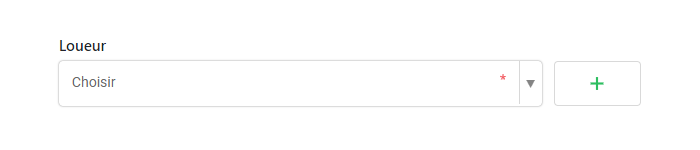
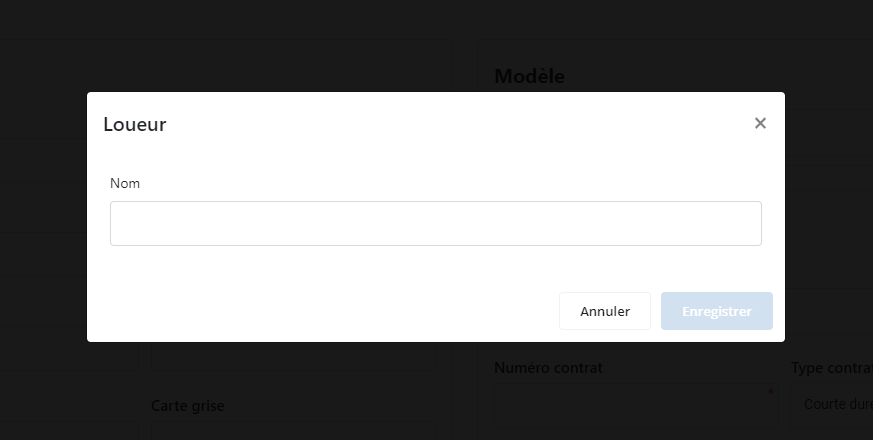
En cliquant sur le bouton+, une fenêtre contextuelle s'ouvre avec un champNom du loueur, où il est possible de saisir le nom du loueur à ajouter.
Pour faciliter davantage l’ajout d’informations nouvelles, un bouton+est également disponible à côté de chaque champ dans le cas où un élément ne figure pas encore dans le référentiel. Cette fonctionnalité permet d’alimenter les données en temps réel sans interrompre la saisie du formulaire.
Cette fonction d’ajout rapide simplifie la saisie des données et rend le processus d’enregistrement des informations de location plus fluide et efficace.