
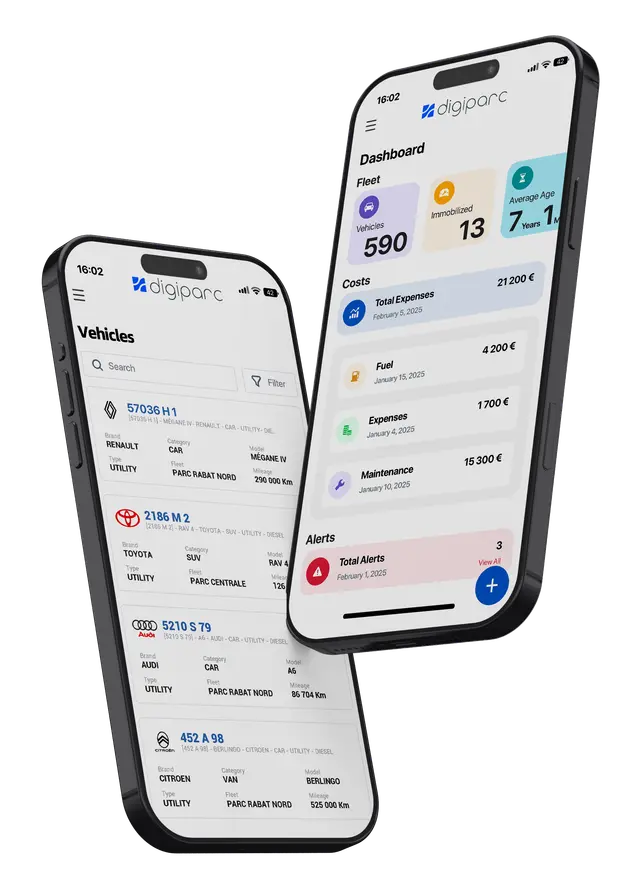
Module · Fleet
Vehicles list
Vehicles list
The display of vehicles in the form oflistprovides a detailed, organized view, presenting each vehicle as rows in a table. This format allows multiple key information such as model, category and brand to be viewed simultaneously, making vehicle management and analysis easier.

Displaying vehicles in list
In the central part of the interface, vehicles are presented in table form. Each row corresponds to a vehicle, and each column contains specific information, as described below:
- Registration: Displays the vehicle registration number.
- Code: Internal code used to identify the vehicle in the system.
- Fleet: Indique la flotte ou la sous-flotte à laquelle le véhicule est rattaché.
- Marque: Marque du véhicule (exemple : Volvo, SEAT).
- Catégorie: Catégorie du véhicule (exemple : tracteur, berline).
- DMC (Date de mise en circulation): Date à laquelle le véhicule a été mis en circulation.
- Âge: Current age of the vehicle, calculated based on its date of entry into circulation.
- Model: Specific vehicle model.
- Mileage: Total number of kilometers traveled by the vehicle.
- Time index: Suivi du temps d’utilisation en heures, utilisé notamment pour les machines et équipements.
- Chassis number: Vehicle chassis number, useful for identification.
- Attachment: Indicates the presence of documents or files associated with the vehicle (for example, maintenance documents or contracts).
This structured view allows you to quickly obtain an overview of the status and characteristics of each vehicle, facilitating decision-making and access to essential information.